 trixxie
Start with intention
Set a focus timer from the radial menu and let the fox keep quiet company while you work.
Trixxie lives on your Mac, notices when focus drifts, and helps you return — without blocking the internet or sending your activity to the cloud.
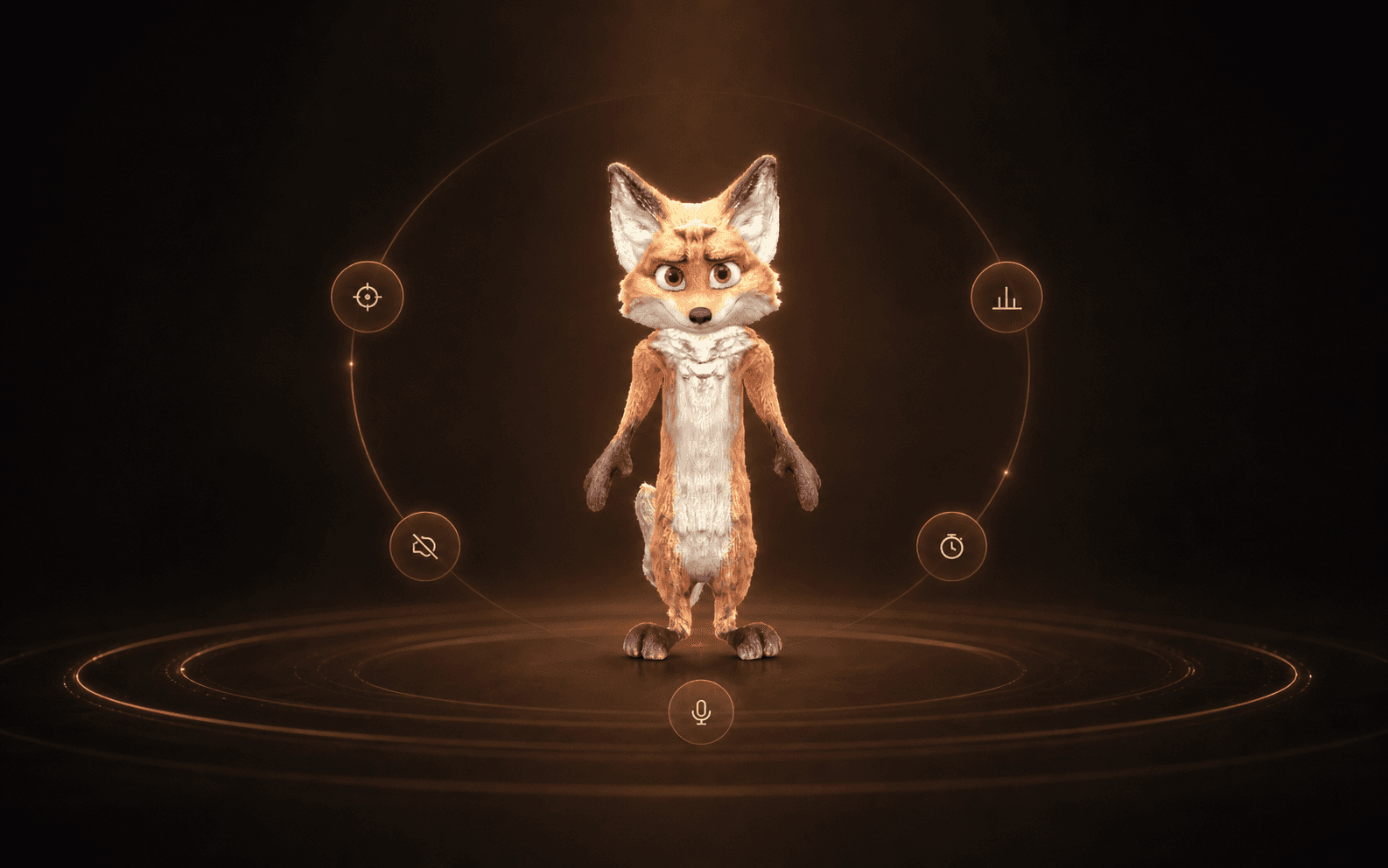
One tab becomes five. A quick break becomes twenty minutes. Trixxie notices the drift and gives you a small signal before the whole afternoon disappears.

Never a blocker. Never a lecture. Just a well-timed look.
Set a focus timer from the radial menu and let the fox keep quiet company while you work.
When a small detour turns into a long one, Trixxie reacts gently. No blocked sites. No lecture.
See where your attention went, review focus sessions, and get one candid note from the fox.
From a quiet nudge to a clear review of your day — see how Trixxie helps your focus return without taking control away.
Music from #Uppbeat (free for Creators!):Easy Does It — Jonny BoyleLicense code: DNRAK4QMDRMN5ZEY
Trixxie turns local activity into calm Today, History and Progress views. Fox Notes keeps text, tasks, photos and voice notes with on-device transcription close by, while the fox grows with consistent focus.
Pick a day, understand the balance and keep only the level of detail that is useful.
App activity, window titles, browser URLs, notes, recordings and transcripts stay on your Mac. An account will be required to use Trixxie.
Your activity content is classified on your device.
No remote timeline of everything you do.
Pause tracking or clear local history when you choose.
Join the waitlist for early access and a chance to shape Trixxie before the public release. Tell us what kind of focus you want help with.
No public download yet. Invitations are sent directly as spots open.
Jump over distractions, duck under the noisy ones, and catch a rare pomodoro to slow the day down for a moment.
Space or ↑ to jump · ↓ to duck · P to pauseUse the two controls below to jump and duck.
Music from #Uppbeat (free for Creators!) · Easy Does It — Jonny Boyle
License code: EQGETODTK5DIQLWG
Trixxie uses app activity, window titles and browser URLs to help classify time into work, neutral, distraction and idle. The activity content is processed and stored locally on your Mac.
No. Your activity history, window titles, URLs, notes, recordings and transcripts stay on your Mac. Product analytics and crash reporting, when enabled, are separate from your activity content.
Yes. An account will be required to use Trixxie, including during the five-day trial and in Basic mode.
Trixxie V0 is for macOS. Builds for both Apple silicon and Intel Macs are planned. Windows, Linux, iPhone and Android are not part of this release.
Joining the waitlist is free. After launch, Trixxie Plus is planned at €6.99 per month or €39 per year for up to three personal Macs. Basic stays free, and there is no checkout on the website today.
The companion behaviour and activity classification are local and rule-based. Voice transcription uses local Whisper speech-to-text models on your Mac. V0 has no cloud AI or cloud sync.